Virlya vs Canva: which fits an online shop’s social media
Canva is a design editor with templates and AI helpers. Virlya prepares your social media content end to end: it proposes a plan, writes the copy and creates the visuals, and you just review them. They are not direct competitors, and plenty of people use both.
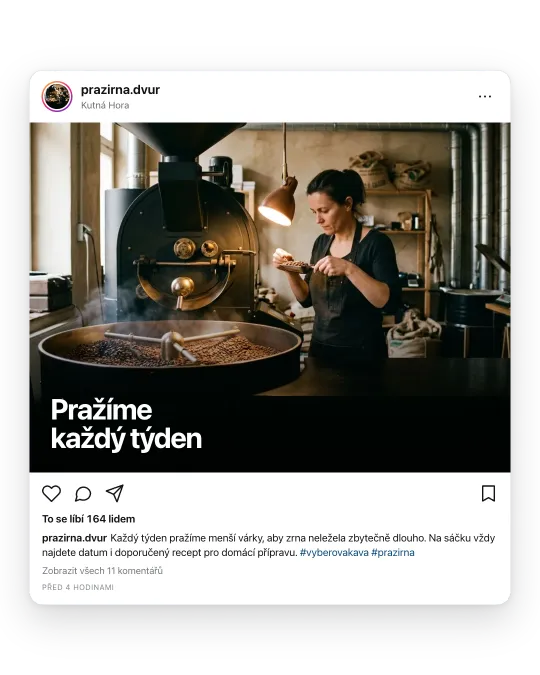
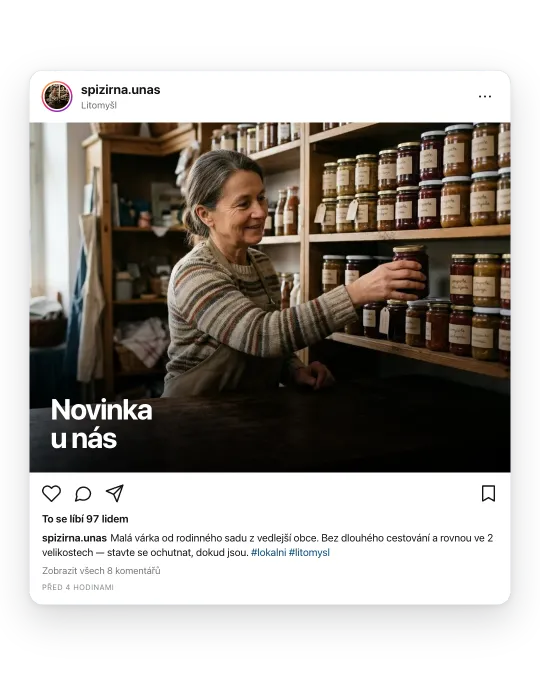
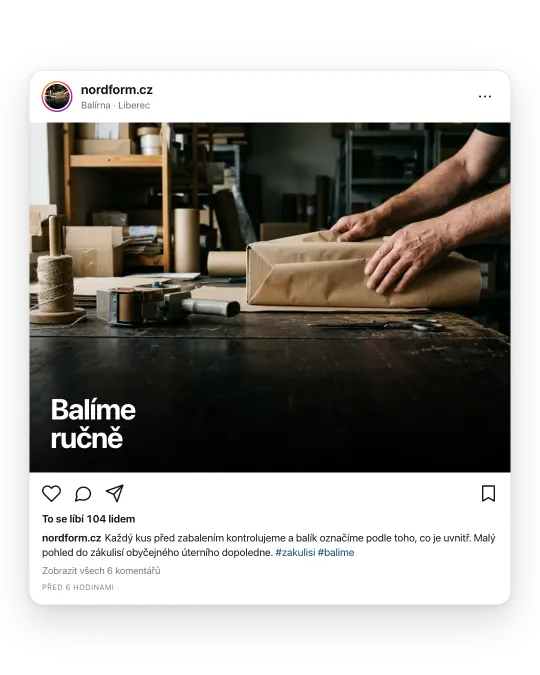

Virlya vs Canva: where each fits
| Area | Virlya | Canva | What to decide on |
|---|---|---|---|
| What it is | An AI tool that prepares the plan, copy and visuals | A design editor with templates and AI tools | Do you want finished content or a tool to create it yourself |
| Who comes up with content | Virlya proposes, you approve or edit | You, with AI helping on individual steps | How much time you want to spend on ideas |
| Post copy | Written for your company profile, separately for Instagram, Facebook and LinkedIn | Magic Write; the number of AI uses depends on the plan | Whether you write copy yourself or want it done |
| Product photos | Upload a photo and Virlya places the product in a scene | Photo editing and templates, assembled by hand | Whether you want to put visuals together by hand |
| Reels | Graphic reels on every plan, product reels from Growth | Video editor with templates | Whether you want to edit video yourself |
| Brand | Reads logo, colours and company description from your website | Brand kit with logo, colours and fonts | Both work with your brand; the difference is who sets it up |
| Publishing | From the Growth plan (Instagram, Facebook, LinkedIn) | Content planner on every plan, according to Canva | Whether you need publishing on the lowest plan |
| Best fit | Small businesses and online shops without time or a designer | People who like designing and also make print materials | Who will be making the content a month from now |
Virlya and Canva pricing
| Level | Virlya | Canva | Main difference |
|---|---|---|---|
| Free | 60 credits once, watermarked output | Free, up to 20 AI uses | You can try both without paying |
| Individual | Solo USD 17 per month, downloads without watermark | Pro USD 144 per year | With Virlya you pay for finished content, with Canva for an editor |
| Business and teams | Growth USD 42 per month with publishing, Pro USD 125 | Business USD 250 per year per person | Canva is priced per person, Virlya by credit volume |
Source: Canva pricing, checked on 14 September 2026. Prices can change; see the vendor for current ones. With Virlya, paying yearly gets you 12 months for the price of 10.
When to choose which
CanvaChoose Canva if…
- You enjoy designing and want control over every detail of a graphic.
- Besides social media you need flyers, presentations or print.
- You have a designer or the time, and mainly need a tool rather than ideas.
VirlyaChoose Virlya if…
- You have no time to work out what to publish and when.
- You want finished posts: copy and visual in the right format for each network.
- You want a campaign plan where posts build on each other, not one-off graphics.
Compare Virlya with other tools
Frequently asked questions
- Does Virlya replace Canva?
- For social media it often does, because it creates the whole post. If you also design flyers, presentations or print, you will keep Canva.
- Will Virlya use my logo and colours?
- Yes. When you sign up you enter your website and Virlya reads the logo, colours and company description from it. You can edit the colours and brand description in settings.
- Can I edit Virlya posts in Canva?
- Yes. You can download finished images on every plan and adjust them in Canva or any other editor.
What do you need people to hear about?
Say it in one sentence. Virlya prepares the copy, visuals and plan, and you just review the result.
Start without a brief